Beyond the Battery: How Physical Wear and Tear Impacts Your Older iPhone's Value and Longevity
When considering the lifespan and potential trade-in value of an older iPhone, conversations often revolve around battery health, software update cycles, and processing power. While these are undoubtedly critical factors, a frequently overlooked aspect is the cumulative effect of physical wear and tear. Over years of daily use, even the most carefully handled iPhone accumulates minor damage that can significantly impact both its day-to-day usability and its appraisal for an upgrade. In 2026, as iPhones continue to be durable devices designed for longevity, understanding the physical toll is more important than ever for making informed decisions.
Editor's pick: Refurbished iPhones on Amazon → As an Amazon Associate, this site earns from qualifying purchases.
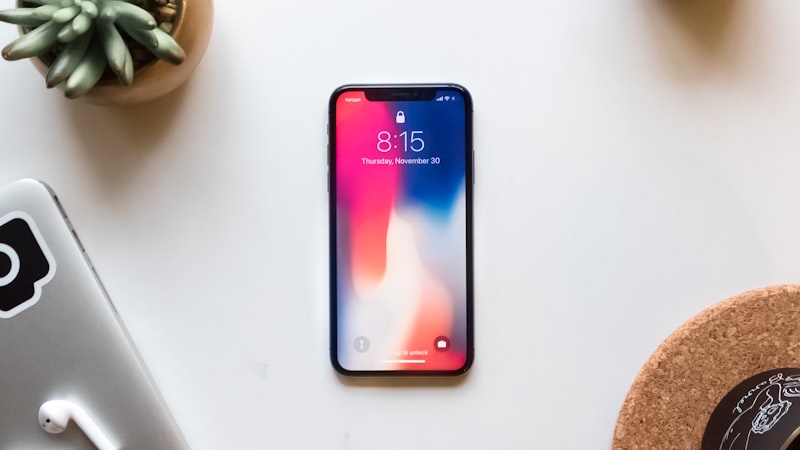
The Hidden Costs of Cumulative Micro-Damage
An iPhone’s physical integrity extends beyond its pristine aesthetic. Various components are susceptible to wear that, while seemingly minor, can degrade the user experience and compromise functionality:
Display Scratches: More Than Cosmetic
Even with advanced ceramic shield technology on newer models, micro-scratches on the display are almost inevitable over time. While individual scratches might be barely visible, their accumulation can lead to a noticeable haziness, particularly in direct sunlight, diminishing clarity and visual performance. Severe scratches or hairline cracks, even if the touch functionality remains, can be a major detractor for both personal enjoyment and trade-in assessments. As we've explored previously at iPhone View, maintaining optimal screen condition is paramount, and even micro-scratches can accumulate to affect visual clarity. For proactive protection, consider their guides on screen protectors at iphoneview.com.
Charging Port Integrity: The Silent Degrader
The Lightning port (or USB-C on more recent models) endures thousands of insertions over an iPhone's life. This constant friction can lead to internal wear, resulting in a loose connection, intermittent charging, or even issues with data transfer. A wobbly cable connection isn't just an annoyance; it can be a sign of a port nearing its end-of-life, potentially requiring a costly repair or leading to charging frustrations.
Button Responsiveness: Tactile Feedback Degradation
The power button, volume rockers, and mute switch are mechanical components that experience constant use. Over time, these can lose their crisp, tactile click, becoming spongy, sticky, or even unresponsive. While often fixable, a failing button significantly impairs quick control over your device and can be a critical point of failure for trade-in evaluations.
Speaker and Microphone Grilles: Performance Blockage
The tiny grilles protecting your iPhone’s speakers and microphones are magnets for dust, lint, and pocket debris. Over years, this accumulation can muffle audio output, reduce call clarity, and even affect the performance of noise-canceling microphones. Cleaning these can be delicate, and severe blockages often require professional intervention.
Chassis Dings and Scuffs: Beyond Aesthetics
While a few dings on the aluminum or stainless steel frame might seem purely cosmetic, they can have functional implications. Significant dents, especially around the display or back glass, can compromise the phone's structural integrity, potentially affecting screen fit, internal component alignment, and crucially, its water and dust resistance (IP rating). What was once IP68 rated might become compromised after a significant impact.
The Trade-In Conundrum: When Wear Costs You
When it comes time to trade in an older iPhone, the physical condition plays a pivotal role in the appraisal process. Trade-in programs typically categorize devices based on their cosmetic and functional state. A phone with a cracked screen, deep scratches, or unresponsive buttons will fetch significantly less than one in 'good' or 'excellent' condition, even if its battery health is robust and software runs smoothly.
For instance, a minor scuff on the chassis might be overlooked, but a noticeably loose charging port or a non-tactile power button often qualifies as 'functional damage,' drastically reducing the offer. The decision then becomes whether the cost of a pre-trade-in repair (e.g., a new charging port or button assembly) outweighs the potential increase in trade-in value. Often, for older models, it does not, making the physical wear a direct financial hit.
Mitigating Wear and Extending Practical Life
Extending the practical life of your iPhone, both for personal use and future trade-in, starts with preventative measures. Using a quality protective case and a screen protector from day one can significantly reduce cosmetic damage. Careful handling, especially when connecting charging cables or headphones, can preserve port integrity. Regular, gentle cleaning of grilles and buttons can prevent debris buildup. These habits, though simple, collectively contribute to a longer-lasting device and a better return when you eventually decide to upgrade.
Making the Upgrade Decision
Ultimately, physical wear and tear must be weighed alongside battery degradation and software limitations when deciding if it's time for an upgrade. If your older iPhone's physical condition is leading to daily frustrations – unreliable charging, unresponsive buttons, or a heavily scratched display – it might be signaling that its practical lifespan, for you, is nearing its end. Even if the battery is at 80% and the software is still supported, the cumulative physical degradation can make the device less enjoyable and less efficient to use, pushing the argument for an upgrade beyond purely internal metrics. By carefully assessing these external factors, you can make a more holistic and economically sound decision about your next iPhone move.