Breathe New Life into Your Older iPhone: Mastering iOS Resource Management
The Quest for Longevity: Optimizing Your Aging iPhone
In an era of incremental iPhone upgrades, the desire to extend the lifespan of our existing devices has never been stronger. While hardware eventually shows its age, intelligent software management can dramatically bridge the gap between an older iPhone's capabilities and the demands of modern iOS and applications. This isn't just about clearing caches or reducing motion; it's about deeply understanding and taming the invisible processes that silently consume your device's precious resources.
Editor's pick: Refurbished iPhones on Amazon → As an Amazon Associate, this site earns from qualifying purchases.
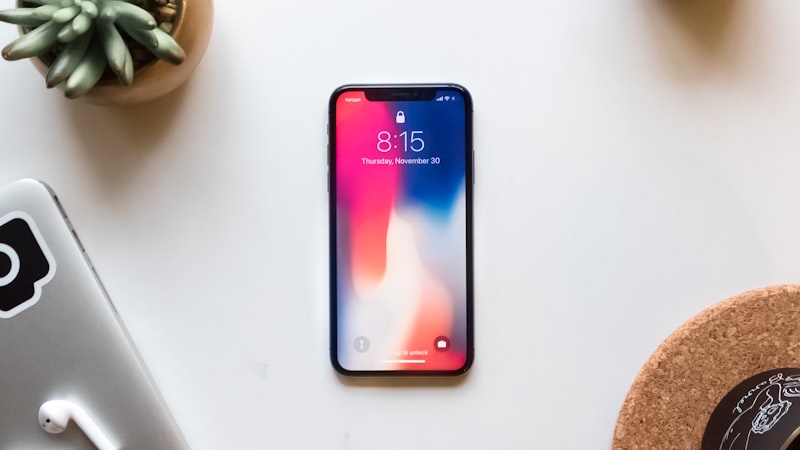
The Invisible Drain: Understanding iOS Background Activity
Every iPhone, regardless of its vintage, constantly juggles numerous tasks behind the scenes. Apps update their content, location services track your movements, Siri listens for commands, and system processes perform maintenance. On newer, more powerful devices, this activity is largely imperceptible. However, on an older iPhone with a less powerful chip and less RAM, this constant background work accumulates, leading to sluggish performance, slower app launches, and noticeably shorter battery life. By proactively managing these background activities, you can significantly reduce the strain on your device's processor and memory, making it feel snappier and more responsive for years to come.
Taming Background App Refresh
One of the most significant culprits for resource drain on older iPhones is Background App Refresh. This feature allows apps to fetch new content in the background, ensuring they are always up-to-date when you open them. While convenient, it means apps are constantly polling for data, initiating network activity, and utilising the CPU even when you're not actively using them.
- What it does: Allows apps to refresh their content in the background over Wi-Fi or cellular data.
- Why it matters: Constant background polling, network requests, and CPU usage can quickly deplete battery and slow down an older processor.
- How to manage: Navigate to Settings > General > Background App Refresh. Here, you have granular control. You can turn it off entirely, restrict it to Wi-Fi only, or, ideally, go through the list and disable it for any app that doesn't require real-time updates (e.g., games, photo editors, infrequently used utilities). Keep it on only for essential communication or productivity apps where immediate updates are crucial.
Reining in Location Services
Location Services, while fundamental for many apps like maps, weather, and ride-sharing, can be a major drain on both battery and CPU if not managed carefully. Many apps request constant access to your location, even when they don't strictly need it.
- What it does: Uses GPS, Wi-Fi, and Bluetooth to determine your device's geographical position.
- Impact: Constant location polling is highly resource-intensive, leading to significant battery and CPU consumption.
- How to manage: Go to Settings > Privacy & Security > Location Services. Review each app's permission level. For most apps,
Questions readers ask
Where is Apple's supply chain on resource management older device right now?
Reports out of Asia consistently cite a handful of suppliers competing on the relevant component, with Apple splitting orders rather than single-sourcing. That hedging pattern tends to mean a real product is being prepared, not just an R&D exploration.
Is resource management older device realistic for the next iPhone, or further out?
Most signals point to a later cycle rather than imminent release. Component lead times for resource management older device suggest Apple is still validating the supply side, and the company tends to wait until yields hit production targets before committing on stage.
What's the biggest tradeoff Apple has to swallow for resource management older device?
Every Apple decision is a tradeoff, and the obvious one here is internal volume. Adding resource management older device costs millimetres somewhere — usually battery capacity or camera module depth — and Apple has to decide which line item to trim.
What does resource management older device actually cost — in price, weight, or battery?
Expect a premium of roughly $200–300 over the standard model, plus a small weight penalty. Battery life is the bigger variable — early prototypes typically trade an hour or two of screen-on time for the new capability, then claw it back over a generation.
In short — what's the takeaway on more from iphone evolve?
It comes back to whether Apple can ship resource management older device without compromising the parts of the iPhone people already pay for. The detail in this section is where that case is made or broken.