iPhone Migration: Beyond iCloud – Exploring Local Transfer and Data Minimization Strategies
Moving to a New iPhone: More Than Just iCloud
Upgrading to a new iPhone is an exciting experience, but the data migration process can often feel daunting. While iCloud is the default and often the most convenient method, it’s not always the best solution for everyone. Factors like limited iCloud storage, privacy concerns, or simply a desire for faster transfer speeds can make alternative migration strategies more appealing. In 2026, several robust options exist for moving your data to a new iPhone, each with its own set of advantages and considerations.
Editor's pick: Refurbished iPhones on Amazon → As an Amazon Associate, this site earns from qualifying purchases.
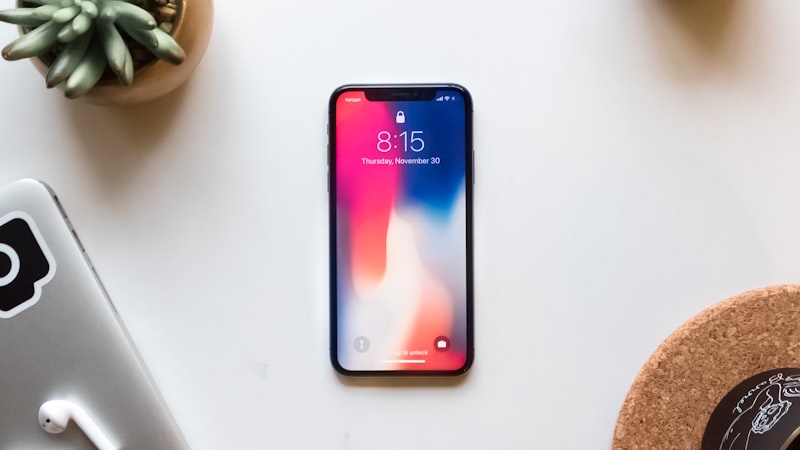
The Direct Transfer Method: Speed and Security
Apple’s direct transfer method, introduced several years ago, allows you to migrate data directly from your old iPhone to your new one without relying on a cloud connection. This is achieved by placing the two iPhones close together on the same Wi-Fi network (or using a wired connection for even faster speeds). The new iPhone will detect the old one and guide you through the transfer process. This method is particularly useful for users with large amounts of data, as it often significantly reduces transfer time compared to iCloud backups, especially if your home internet upload speed is limited.
The direct transfer method also offers a potential privacy advantage, as your data never leaves your direct control during the migration. However, it's crucial to ensure that both devices are on a secure Wi-Fi network to prevent any potential interception. While unlikely, connecting directly via a Lightning-to-USB-C cable or using a Wi-Fi direct connection further minimizes any risk.
Data Minimization: A Fresh Start
Another approach to iPhone migration involves a more selective transfer of data. Instead of migrating everything wholesale, consider starting with a relatively clean slate and only transferring essential data. This strategy can be beneficial for several reasons. It allows you to declutter your digital life, removing outdated apps, files, and settings that may be slowing down your old iPhone. It also provides an opportunity to re-evaluate your app usage and install only the apps you actively use. Furthermore, a minimized data transfer can reduce the risk of carrying over potential software glitches or conflicts from your old device.
Implementing a data minimization strategy involves manually backing up important data like photos, contacts, and notes using services other than a full iCloud backup. Services like Google Photos, Microsoft OneDrive, or even local storage on a computer offer alternatives for safeguarding your precious memories and important documents. Once the new iPhone is set up, you can selectively restore this data, ensuring a cleaner and more efficient experience.
Third-Party Transfer Tools: Expanded Options
While Apple's built-in migration tools are generally reliable, numerous third-party software solutions offer additional features and flexibility. These tools often provide more granular control over the data transfer process, allowing you to selectively choose which apps, files, and settings to migrate. Some also offer features like data compression and deduplication, further optimizing the transfer process. However, it’s crucial to exercise caution when using third-party software, ensuring that it comes from a reputable source and that you understand its privacy policy. As always, backing up your iPhone before using any third-party tool is strongly recommended.
Post-Migration: The Importance of Verification
Regardless of the migration method you choose, it’s crucial to thoroughly verify that all your important data has been successfully transferred to your new iPhone. Check your photos, contacts, notes, messages, and other essential data to ensure that everything is present and accounted for. If you encounter any missing or corrupted data, you may need to repeat the migration process or restore from a previous backup.
Beyond the Basics
Migrating to a new iPhone in 2026 is about more than just copying data. It's an opportunity to streamline your digital life, enhance your privacy, and optimize your iPhone experience. By exploring alternative migration strategies and carefully planning your data transfer, you can ensure a smooth and seamless transition to your new device. As we explored in our analysis of display technology at iPhone View (https://iphoneview.com), even the best new screen can be undermined by a cluttered and disorganized operating system. Taking the time to properly migrate your data sets the stage for a more enjoyable and productive iPhone experience.