Extend Your iPhone's Life: Smart External Storage Solutions for Older Models
In an era where iPhones are built to last longer than ever, many users find themselves holding onto their devices for several years. While Apple’s software support and robust hardware contribute to this longevity, one common bottleneck often emerges: internal storage. As photos, videos, apps, and system data accumulate, older iPhones with smaller capacities can quickly feel sluggish or incapable of handling new content. Rather than immediately considering an upgrade, practical external storage solutions offer a compelling way to revitalize your device and squeeze out several more years of useful life.
Editor's pick: Refurbished iPhones on Amazon → As an Amazon Associate, this site earns from qualifying purchases.
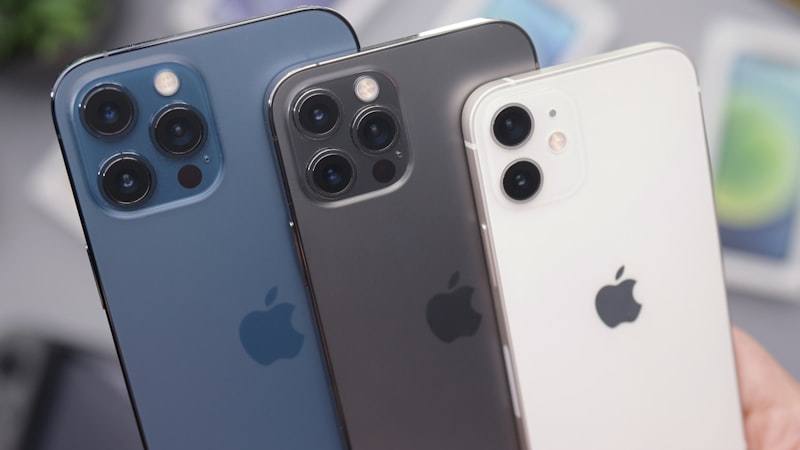
The Persistent Challenge of Limited Storage
Modern iPhones, even older models, capture increasingly high-resolution photos and videos. A single minute of 4K video can consume hundreds of megabytes, and high-quality apps demand significant space. For users who opted for 64GB or even 128GB models a few generations ago, storage anxiety is a real concern. Deleting cherished memories or essential apps to free up space is a frustrating compromise. This is where external storage steps in, offering a vital expansion beyond the confines of your iPhone’s internal memory.
Direct-Connect Storage: The Portable Powerhouses
The most straightforward approach to external storage involves direct-connect drives. These devices plug directly into your iPhone's port, whether it's Lightning or USB-C, providing instant access to additional space. They are particularly useful for quickly offloading large media files.
- Lightning-Enabled Drives: For iPhones still equipped with a Lightning port, accessories like the SanDisk iXpand Flash Drive have long been popular. These drives often feature both a Lightning connector and a USB-A or USB-C connector, allowing seamless transfer between your iPhone and a computer. They integrate with the Files app, making it easy to drag-and-drop files or use dedicated companion apps for automated photo backups.
- USB-C Drives: Newer iPhones, which have transitioned to USB-C, benefit from a wider array of high-speed external SSDs and flash drives. The USB-C port enables significantly faster data transfer speeds, making it feasible to record ProRes video directly to an external drive or edit large photo libraries without transferring them internally. Standard external SSDs from brands like Samsung, Crucial, or Western Digital can be connected with a simple USB-C to USB-C cable, offering capacities into the terabytes.
The primary advantage of direct-connect drives is their portability and ease of use. They are ideal for travel, events, or simply when you need to free up space quickly without an internet connection.
Network Attached Storage (NAS) and Home Servers
For a more robust and permanent solution, Network Attached Storage (NAS) systems or home servers offer a centralized repository for all your digital content. These devices connect to your home network, allowing multiple devices, including your iPhone, to access and store files wirelessly.
While direct-connect drives offer immediate, portable expansion, a NAS provides a powerful, multi-device ecosystem for long-term data management and backup, making it an excellent investment for digital preservation.
Many NAS solutions, such as those from Synology or QNAP, come with dedicated iOS apps that integrate with the Files app. This allows you to browse, stream, and upload content directly from your iPhone over Wi-Fi or even remotely via the internet. A NAS is particularly beneficial for:
- Centralized Photo & Video Backups: Automatically back up your iPhone's camera roll to your NAS, freeing up precious internal space.
- Media Streaming: Store your entire movie and music library on the NAS and stream it to your iPhone without consuming internal storage.
- Document Archiving: Keep old documents, PDFs, and other files off your iPhone but readily accessible.
While the initial setup can be more involved than plugging in a flash drive, a NAS offers unparalleled flexibility and control over your data, effectively turning your home into a private cloud.
Strategic Offloading and Workflow Integration
To maximize the benefits of external storage, consider these practical workflows:
- Media Archiving: Periodically offload older photos and videos that you don't need immediate, constant access to. Keep a curated selection on your iPhone and archive the rest on an external drive or NAS.
- Document Management: Use the Files app to move large documents or project files from your iPhone to external storage when you're done with them.
- Temporary Storage: When downloading large files or transferring content between devices, use an external drive as an intermediary to avoid temporarily filling up your iPhone's internal storage.
By implementing these strategies, you can maintain a lean internal storage footprint on your iPhone, ensuring smoother performance and responsiveness. This not only extends the practical lifespan of your device but also delays the need for an expensive upgrade solely driven by storage limitations. Investing in external storage is a smart, sustainable choice for any iPhone user looking to get more from their existing hardware.